

Getting Started with Mobile Banking Apps
Step-by-step walkthrough of downloading, setting up, and using your bank's mobile app safely and confidently.
Read Article
Written by the sabracommunications Editorial Team, focused on practical, easy-to-follow guidance for safe online shopping and mobile banking.
Your password is basically the lock on your digital front door. A weak one? Anyone with time and the right tools can break in. We're not saying this to scare you — just to be honest about how important this is.
The problem isn't that you're lazy. It's that remembering 50 different passwords with capital letters, numbers, and symbols is literally impossible. That's where password managers come in. They handle the heavy lifting, and you get to actually sleep at night knowing your accounts are protected.
Length matters more than you'd think. A 16-character password is exponentially harder to crack than a 12-character one. Most security experts now recommend 16 characters minimum for accounts you really care about — your email, banking, and shopping apps especially.
But here's the thing: complexity helps too. Your password needs uppercase letters, lowercase letters, numbers, and symbols. Not because it's fun to type (it's not), but because each additional character type multiplies the number of possible combinations. A password like "BlueMountain42!" is way better than "bluemountain" even though both are 14 characters.
T9@mSky#Lemon$2024x
Avoid anything personal. Your birthday, pet's name, or street address — that's stuff hackers can actually guess. Random combinations work best. Yes, they're harder to remember. That's exactly why you need a password manager.
Using the same password across multiple accounts is like having one key that opens your home, your car, your office, and your mailbox. If someone steals that key, they've got everything.
Here's what happens in real life: A smaller website gets hacked. The hackers dump thousands of username-password combinations online. Within hours, attackers are trying those same credentials on bigger sites — your bank, your email, your shopping accounts. You don't even know the small site was compromised until your main accounts start getting hit.
Every single account needs its own password. We know that sounds impossible to manage. It is. Manually. But with a password manager? It takes about two seconds to generate and store a unique password for each new account.
Step-by-step walkthrough of downloading, setting up, and using your bank's mobile app safely and confidently.
Read Article
Recognize trusted payment methods, understand security badges, and protect your payment information during checkout.
Read Article
What it is, why banks require it, and how to use SMS codes and authenticator apps for extra account protection.
Read ArticleA password manager is software that stores all your passwords in one encrypted vault. You create one strong master password to unlock the vault, and then the manager handles everything else.
The encryption part is crucial. Your passwords aren't stored in plain text where anyone could read them. They're scrambled using military-grade encryption. Even if someone somehow got the file, they couldn't read it without your master password. And that master password? Only you know it. The company running the password manager doesn't even have access to it.
Most managers also work across your devices. You set up your account on your laptop, and suddenly your passwords are available on your phone too. You log into your email on your tablet, and the manager auto-fills your password. No typing, no memorizing, no frustration.
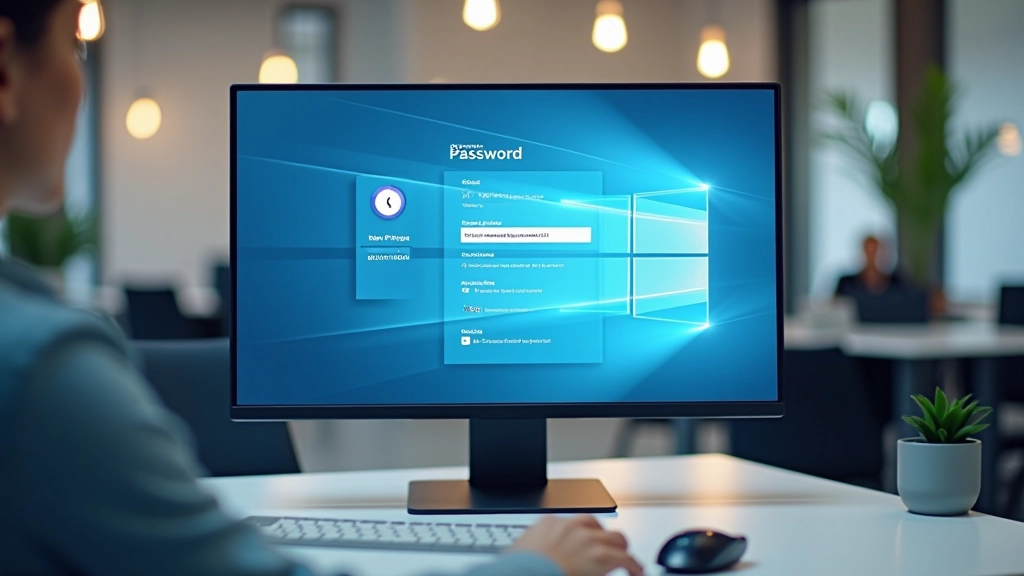

Choose one that fits your needs. Popular options include Bitwarden (free version available), 1Password, LastPass, and KeePass. They all do basically the same thing — store passwords securely. Some have premium versions with extra features like password sharing with family members or advanced security monitoring.
Download the app or create an account on the website. You'll set up your master password — this is the only password you need to remember, so make it good. Strong, unique, and something you actually won't forget.
Then start adding your passwords. You can either manually enter them or import them from your browser if the manager supports that. It takes a bit of time upfront, maybe 30-45 minutes if you have lots of accounts, but it's worth it. Once you've got them all in there, you're done. From that point on, the manager handles everything.
When you visit a site you've stored a password for, the manager will ask if you want to auto-fill it. Yes, you do. When you create new accounts, let the manager generate a new password. Accept the 16-character random combo it creates. Done.
Strong, unique passwords are non-negotiable for keeping your accounts safe. Memorizing 50 different passwords is impossible. Password managers make this whole problem disappear. They're not complicated, they don't cost much (or anything if you use the free versions), and they genuinely protect your accounts from being hacked.
Start today. Pick a manager, set up your master password, and begin storing your passwords. You won't regret it. Your future self will definitely thank you when you're not dealing with a compromised email account or stolen banking credentials.
This article is educational only and is not financial or investment advice. Password security best practices may vary depending on your specific needs and circumstances. Always consult your bank or financial institution for their specific security requirements and recommendations.