
Master Online Banking and Safe Shopping
A practical guide to navigating digital payments, protecting your information, and shopping confidently online

Before and After: Real Challenges
Recognizing common struggles and practical solutions
Unsure About Security
Not knowing which payment methods are truly safe or how to spot fake websites
Confusing App Features
Mobile banking apps seem complicated with unfamiliar buttons and options
Password Worries
Struggling to create strong passwords or manage multiple login credentials
Checkout Anxiety
Worried about entering payment details on unfamiliar websites
Security Fundamentals
Learn to identify secure sites, understand SSL certificates, and recognize legitimate payment badges
App Navigation Mastery
Step-by-step walkthroughs of major banking apps with clear explanations of every feature
Password Strategies
Easy methods to create strong passwords and use password managers safely
Confident Checkout
Practical checklists and real examples showing exactly what to look for before buying
Our Journey Building This Guide
How we've grown to serve adults across the region
Started with Banking Basics
Launched our first guides covering mobile app navigation and online banking fundamentals
Added Shopping Safety
Expanded content to include secure checkout practices and identifying legitimate retailers
Two-Factor Authentication Coverage
Added detailed explanations of SMS codes and authenticator apps for stronger security
Introduced Password Management
Created guides on password managers and strategies for keeping login details secure
Expanded Regional Focus
Developed location-specific resources for Šiauliai and surrounding areas
Seasonal Updates and Accessibility
Added seasonal security alerts and improved content accessibility for all learners
Quick Links to Key Topics
Jump directly to the guides you need most
Featured Learning Guides
Start with these essential guides to build your confidence with digital banking and online shopping

Getting Started with Mobile Banking Apps
Step-by-step walkthrough of downloading, setting up, and using your bank's mobile app safely. Covers authentication, navigation, and common features you'll use daily.

Safe Online Shopping Checkout Process
Recognize trusted payment methods, understand security badges, and protect your personal information during checkout. Real examples from popular online stores.
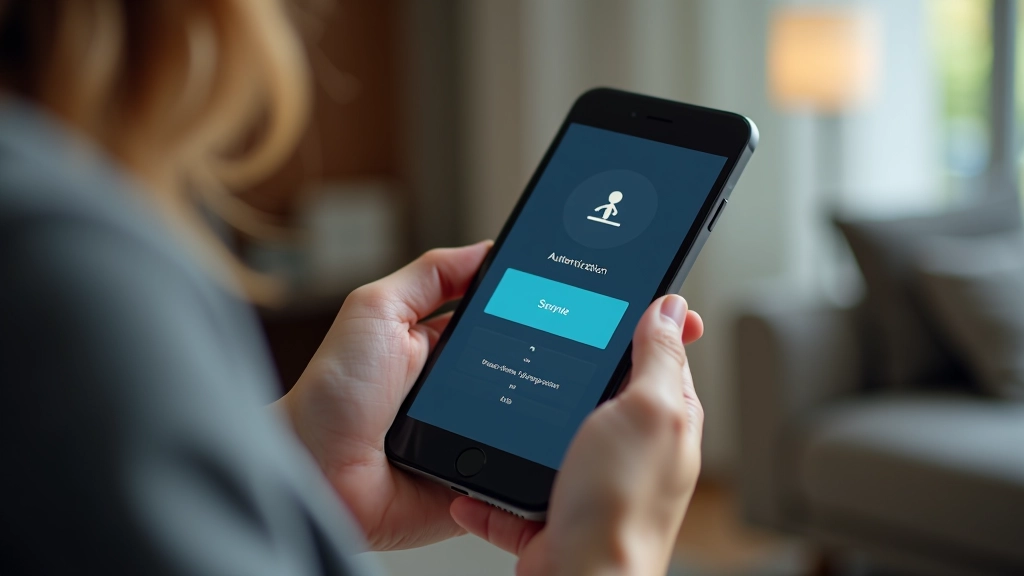
Understanding Two-Factor Authentication
What it is, why banks require it, and how to use SMS codes and authenticator apps. Doesn't have to be complicated — we'll break it down.
Common Questions
We've answered the questions we hear most often
Is it safe to use banking apps on my phone?
Yes, banking apps are designed with strong security. They're often safer than using websites because banks control the app experience and update them regularly. Just make sure you download from the official app store and use a strong password.
How do I know if a website is safe for shopping?
Look for three things: a padlock icon in the address bar, "https://" at the start of the URL (not just "http://"), and recognizable security badges like VeriSign or similar. Don't shop on websites that look unprofessional or have spelling errors.
What's the difference between a password and two-factor authentication?
A password is your first line of defense — it's what you know. Two-factor authentication adds a second step, usually a code sent to your phone. Together they're much stronger because someone would need both your password AND access to your phone to get in.
Should I save my payment information on websites?
It's convenient, but only on websites you trust completely. For banking sites and major retailers, it's usually safe because they encrypt the data. For smaller shops you're unsure about, it's better to enter your information fresh each time.
What should I do if I think my account has been compromised?
Contact your bank or the retailer immediately — don't wait. Change your password right away using a different device if possible. Check your account statements for unauthorized transactions. Your bank can help you secure your account and reverse any fraudulent charges.
Stay Updated on Digital Security
New guides and seasonal tips help you stay safe online. Reach out to get updates about the latest resources we're creating for online banking and shopping safety.
We use cookies to improve your experience and understand how you use our site. By continuing, you accept our use of cookies.