

Safe Online Shopping Checkout Process
Learn how to recognize trusted payment methods, spot security badges, and protect your personal information when you're ready to buy.
By Sabracommunications Editorial Team
Editorial Team
Written by the sabracommunications Editorial Team, focused on practical, easy-to-follow guidance for safe online shopping and mobile banking.
Why Checkout Security Matters
The checkout page is where your payment information meets the internet. It's the moment that matters most. Get it right, and your transaction is secure. Miss the warning signs, and you're vulnerable to fraud or identity theft.
Here's the thing — most online stores take security seriously. They invest in SSL certificates, fraud detection, and secure payment gateways. But you've got to know what you're looking for. We'll walk you through the whole process so you can shop with confidence.
What You'll Learn
- How to spot a legitimate checkout page
- What security badges actually mean
- Which payment methods are safest
- Red flags that signal danger
- How to protect your personal data
Recognizing a Secure Checkout Page
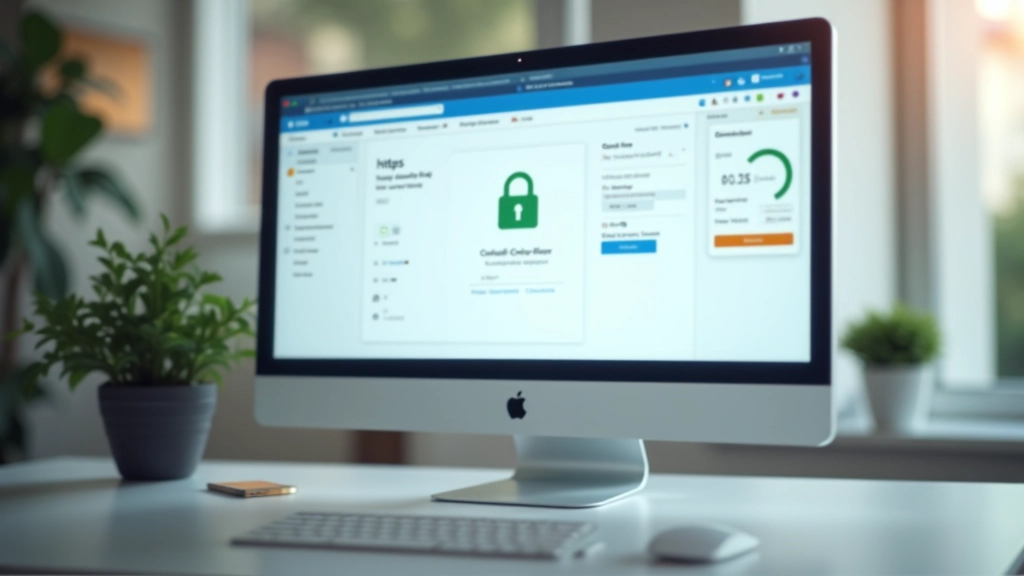
A secure checkout page has specific visual markers. You're looking for the HTTPS protocol — not just HTTP. That "s" makes all the difference. It means the connection between your browser and the website is encrypted.
Most modern browsers show a padlock icon in the address bar. Some display "Secure" next to the URL. These aren't optional features — they're requirements. If you don't see them, stop right there and leave the site.
The URL itself matters too. Legitimate stores use clean, recognizable URLs. Amazon's checkout looks like amazon.com/checkout — not amaz0n-secure.ru or checkout-amazon.xyz. Scammers love misspelled domains. One letter off, and you're on their fake site.
Pay attention to the page design as well. Real checkout pages from major retailers are clean and professional. They don't have spelling mistakes, broken images, or layouts that look like they were built in 2003. If something feels off visually, it probably is.
Understanding Security Badges and Trust Seals
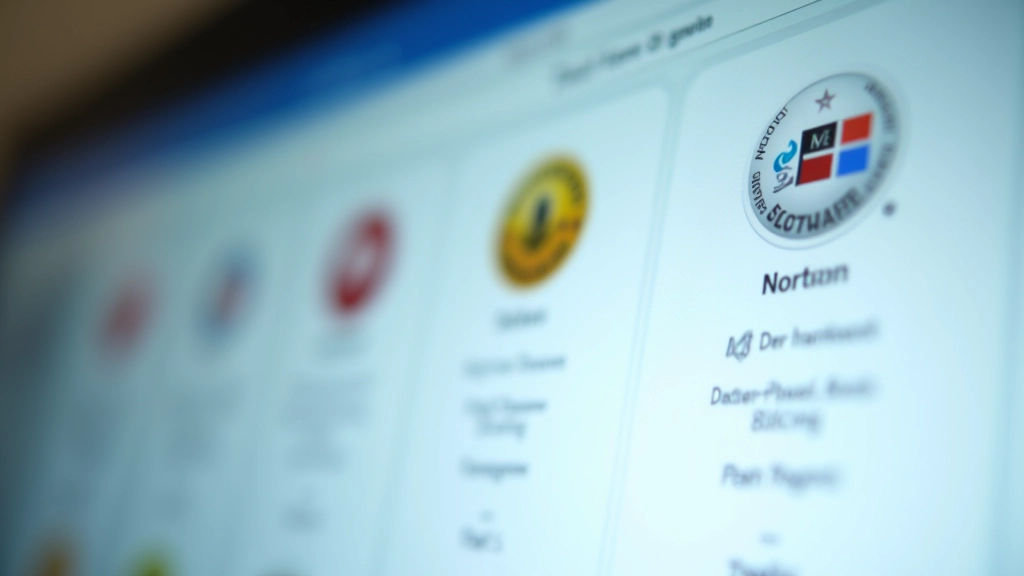
Security badges appear at the bottom or side of checkout pages. You've probably seen them — Norton Secured, McAfee Verified, VeriSign, Trustwave. These aren't just decorations. They mean the website has been verified by a third party and meets specific security standards.
But here's the catch — not all badges are created equal. Some are genuinely valuable. Others are basically just clickable logos that link to verification pages. Real security seals are usually clickable and link to the issuing company's verification database. You can click them to confirm the site is legitimate.
Payment processor logos matter too. If you see Visa, Mastercard, American Express, or PayPal logos, that's a good sign. These companies have fraud protection built in. They don't partner with sketchy websites. When a major processor backs a site, it's worth something.
Fake badges are easy to spot if you're paying attention. Scammers copy the images and paste them on their sites. Real badges link to verification pages. Hover over them. Click them if you're unsure. Legitimate seals take you somewhere. Fake ones don't.
Related Reading
Strengthen your online security knowledge with these guides

Getting Started with Mobile Banking Apps
Step-by-step walkthrough of downloading, setting up, and using your bank's mobile banking application securely.
Read Guide
Understanding Two-Factor Authentication
What it is, why banks require it, and how to use SMS codes and authenticator apps to protect your accounts.
Read Guide
Creating Strong Passwords and Using Password Managers
Learn what makes a password secure, why you shouldn't reuse them, and how password managers keep you safer online.
Read GuideChoosing Safe Payment Methods
Not all payment methods offer the same level of protection. Credit cards and debit cards have fraud protection, but they work differently. Credit cards usually have better dispute resolution — you can challenge fraudulent charges more easily. Debit cards pull money directly from your account, which means the funds are gone immediately.
PayPal and similar digital payment services add an extra layer of security. They sit between you and the merchant. The store never sees your actual payment information — just a confirmation from PayPal. If something goes wrong, you're dealing with PayPal's dispute team, not the merchant directly. That's powerful protection.
Digital wallets like Apple Pay and Google Pay are increasingly secure. They use tokenization, which means your actual card number is never shared with the merchant. Instead, a temporary token is generated for each transaction. Even if the store's system gets hacked, the hackers don't get your card number.
Bank transfers and wire transfers? Avoid them for online shopping. Once the money's gone, it's gone. There's almost no dispute resolution. Scammers love when people use these methods because the transaction is final. Use them only with retailers you trust completely.

Red Flags and Warning Signs
Some checkout pages have obvious red flags. If the site asks for your social security number during checkout — stop. Retailers don't need that for a purchase. They might ask for it during account creation, but not for a one-time transaction. That's a scam setup.
Requests for your full credit card number via email are automatic deal-breakers. Legitimate stores never ask for payment information through email. Period. Same goes for phone calls from "the store" asking for your card details. Real merchants don't operate that way.
Checkout pages that require plugins or software downloads? That's another warning. You don't need to download anything to enter your payment information securely. Scammers use fake "security software" downloads to install malware on your computer.
Prices that change during checkout without explanation are suspicious. You add a $50 item to your cart, and suddenly it's $75 at checkout? Legitimate retailers show all costs upfront — shipping, taxes, everything. Surprises at the end mean something's wrong.
Protecting Your Personal Information
During checkout, you're sharing sensitive data — your name, address, phone number, and payment information. The store needs some of this. But they don't need everything. Be selective about what you provide.
Some stores ask for optional information — your birthday, preferences, marketing consent. Leave these blank unless you actually want their emails and offers. Every piece of information you share is a potential target for hackers. Minimize what you give them.
Check the privacy policy before you check out. Look for how long they keep your information, whether they share it with third parties, and what happens if there's a data breach. If the policy is vague or non-existent, that's a warning sign. Real stores are transparent about data practices.
After checkout, you should receive a confirmation email with your order details. Review it carefully. Check that the items, quantities, and prices match what you ordered. Save this email. You'll need it if there's a dispute later.

Key Takeaways
Check for HTTPS and Padlock
Always verify the URL starts with HTTPS and the padlock icon is visible in your browser. This confirms the connection is encrypted.
Verify Security Badges
Look for legitimate security badges and trust seals. Click them to confirm they're real. Real badges link to verification pages.
Use Secure Payment Methods
Credit cards, PayPal, and digital wallets offer better protection than debit cards or wire transfers. Choose methods with fraud protection.
Watch for Red Flags
Avoid sites requesting unusual information, offering prices that change during checkout, or requiring software downloads for payment.
Minimize Data Sharing
Only provide information that's necessary for your purchase. Skip optional fields. Read privacy policies before checking out.
Save Your Confirmation
Keep the order confirmation email. Review it for accuracy and use it as proof of purchase if you need to dispute anything later.
Safe online shopping isn't complicated. It's about paying attention. Look for the security signals. Avoid the red flags. Use payment methods with fraud protection. Minimize what you share. You've already got the knowledge now. Every time you check out, you're protecting yourself and your information by knowing exactly what to look for.
Educational Disclaimer
This article is educational only and is not financial or investment advice. Outcomes are not guaranteed and may vary. Always review the specific terms and policies of individual retailers and payment providers. When in doubt, contact the retailer's customer service directly to verify security practices before completing a purchase.